Written by Nate Daniels, owner of The Computer Specialists, LLC and an IT consultant serving businesses since 2002.
Warning signs that replacement deserves consideration
- The operating system or critical software is no longer supported.
- Failures or performance problems repeatedly interrupt an employee.
- The device cannot meet current security requirements.
- Replacement parts, batteries, storage, or repairs approach the value of a suitable replacement.
- The computer cannot reliably run required business applications or peripherals.
- Downtime is affecting customers, deadlines, or revenue.
When an upgrade or repair can still make sense
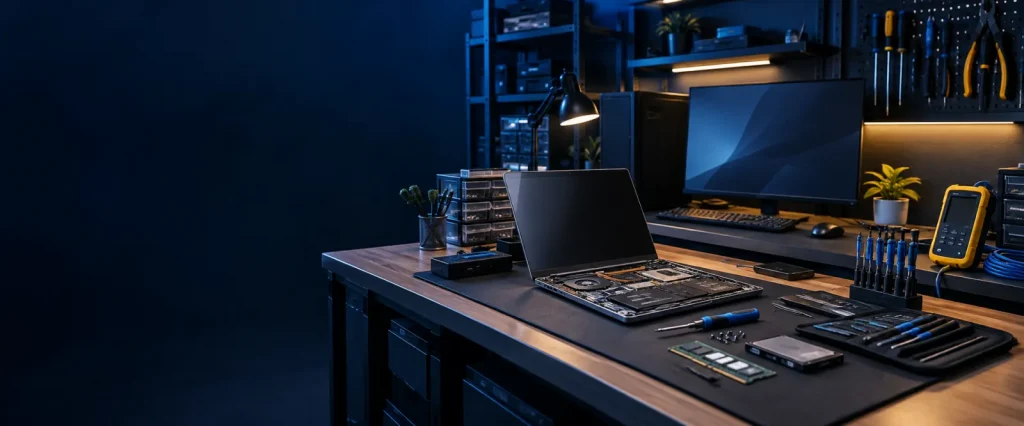
A supported system with a healthy processor and chassis may benefit from storage, memory, battery, cooling, or other appropriate service. The decision should account for age, warranty, part quality, labor, expected remaining life, and the consequences of another failure.
Use a lifecycle plan instead of emergency purchasing
Maintain an inventory with model, age, warranty, operating-system support, assigned user, business role, and expected replacement window. Phased replacement helps control cost, standardize equipment, schedule migrations, and reduce rushed decisions.
A Managed IT relationship can incorporate inventory, health monitoring, support history, and planning so replacement decisions are based on evidence.
Related: Review available business computer services and repair, or evaluate the wider health of your IT environment.